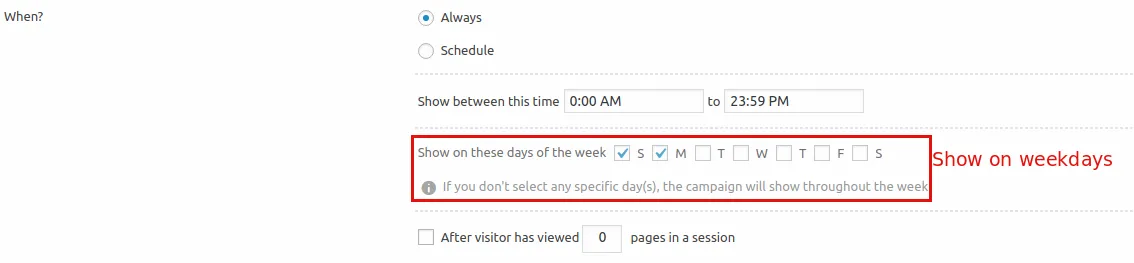
How to schedule Icegram Engage Campaign for a specific day, time?
To schedule Icegram Campaign, you need to subscribe the Icegram Engage Pro/Max Plan.
Kindly follow the below-mentioned steps for the campaign scheduling in the Icegram Engage.
Step 1: Install and Activate the Icegram Engage Pro/Max.
Step 2: Create a new campaign/edit a previously created campaign.
Step 3: Go to the “Display Rules” section.
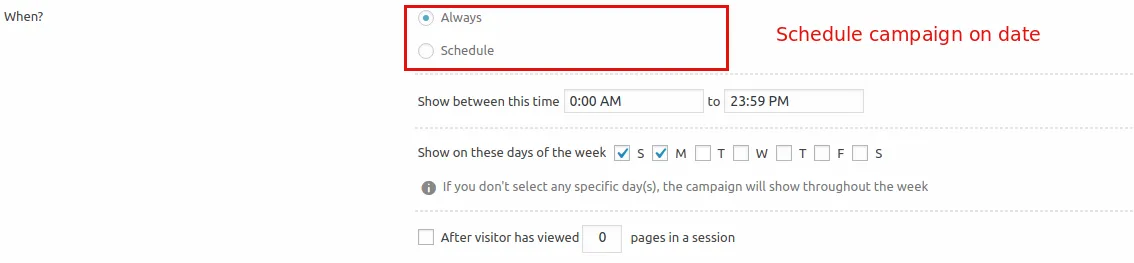
Step 4: In the "When" option, select one of the options "Always" OR "Schedule" it between the dates selected.
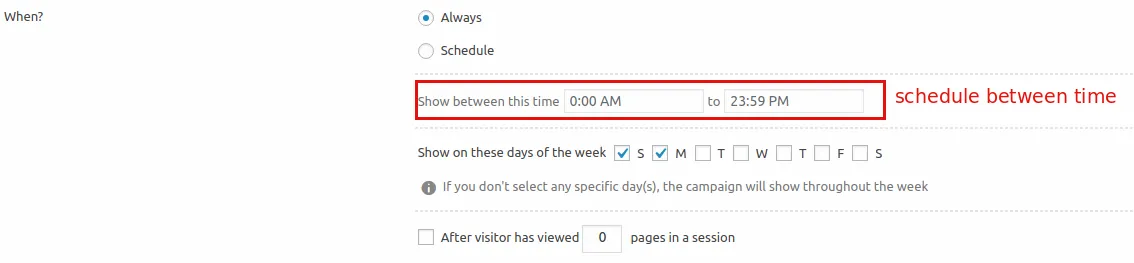
Step 5: Additionally, you can schedule it for a specific time. Fill the start and end time of the campaign and it will run between those time.
Step 6: Also, you can schedule it on particular days of the week. And it will show up only on the days selected.