
How do I allow subscribers to select the list from which they want to unsubscribe?
Allow contacts to choose which specific email lists to leave instead of unsubscribing from all communications.
Subscribers can select the list of their choice while unsubscribing.
To enable the option,
Step 1: Go to Icegram Express → Settings → General
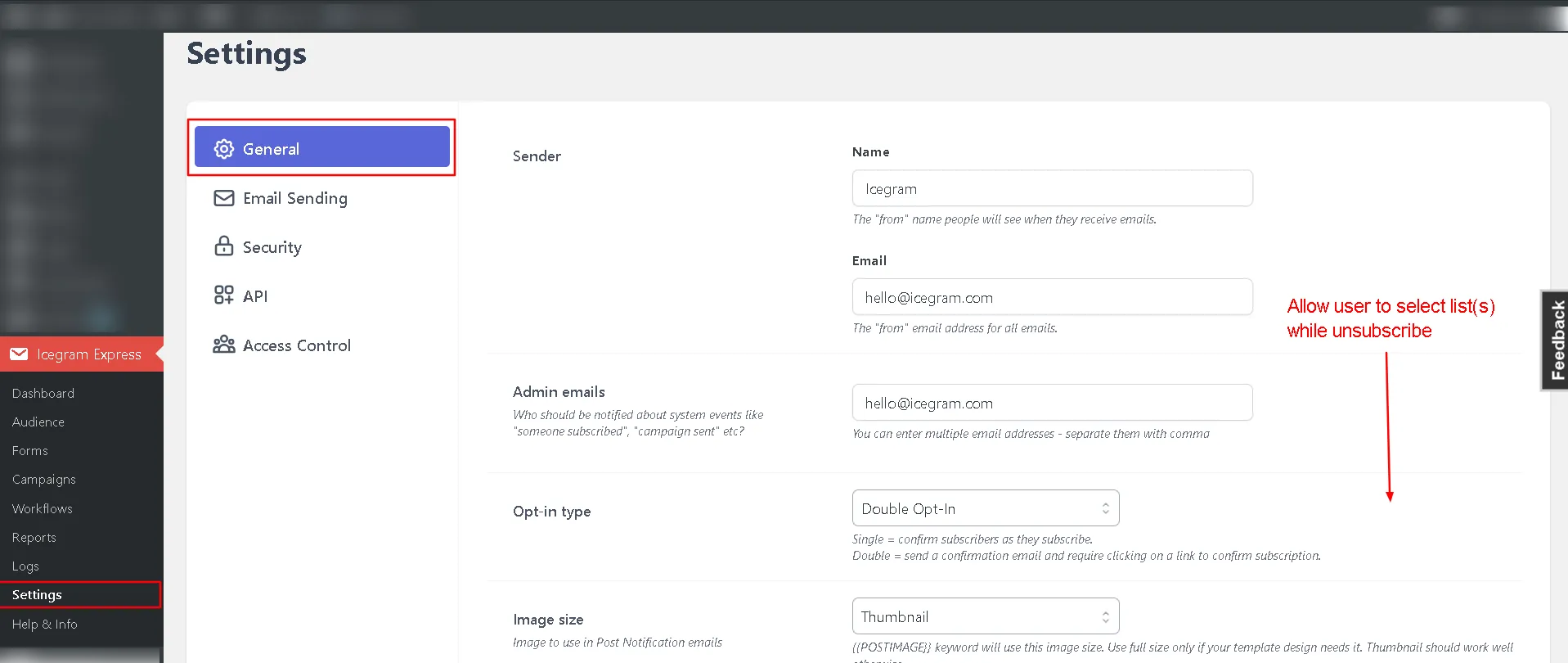
Step 2: Toggle the option Allow user to select list(s) while unsubscribe

Step 3: Click Save Settings