
How to Embed a Form in Icegram Engage
Embed custom HTML forms, Mailchimp forms, or Contact Form 7 shortcodes inside Icegram Engage popups.
Step 1: Create a new campaign & add the message type of your choice
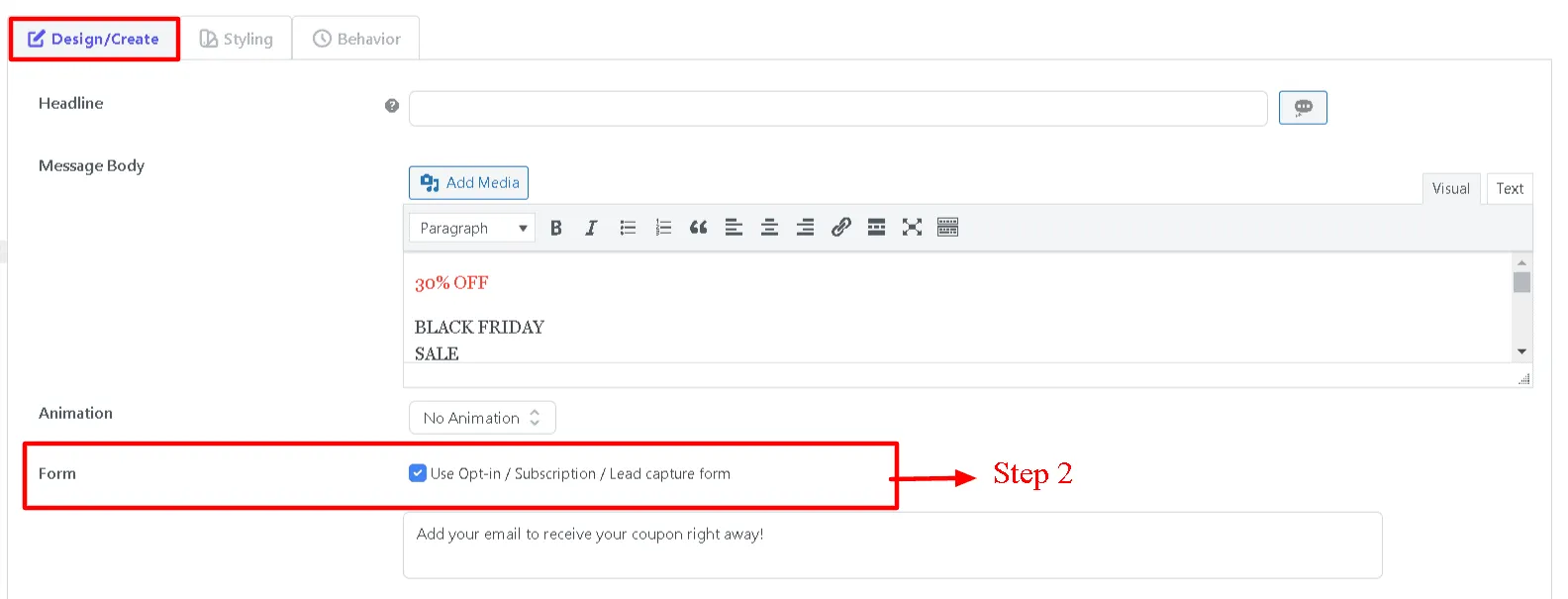
Step 2: Tick mark the form checkbox in the content editing panel of the message type
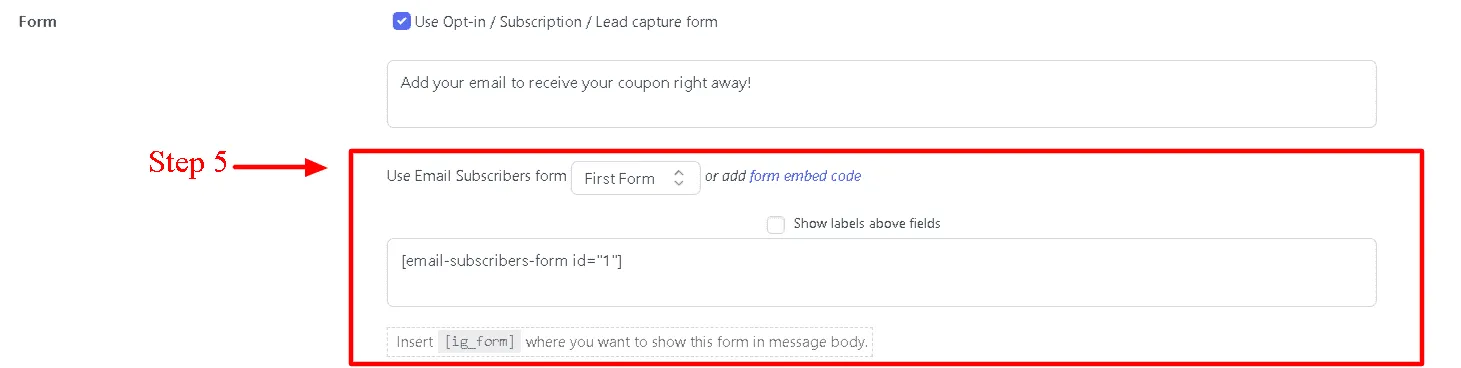
Step 3: Paste the HTML code/ short code of your third party service or simply add HTML code for your custom form
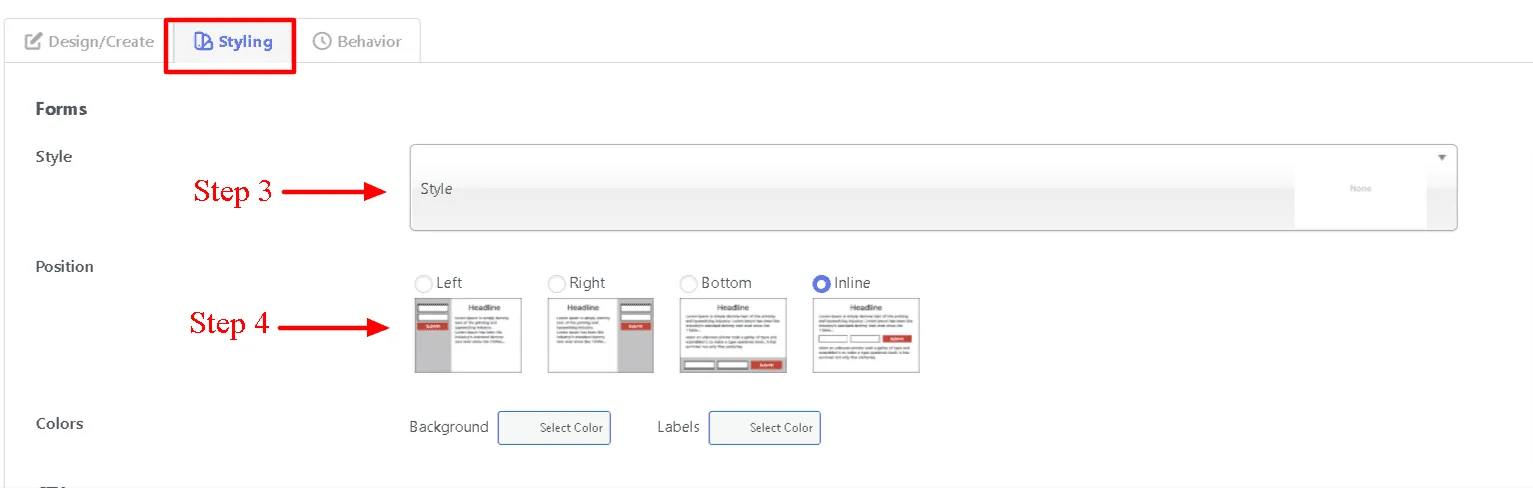
Step 4: Next select a form style.
Step 5: Select the position of the input boxes. They are graphically represented so you can choose them easily.
Step 6: Save draft and Check the preview. If everything is well, Go live!