How to Change Position of Action Bar to Bottom
Change the screen position of your Icegram Engage action bar from top floating header to bottom sticky footer.
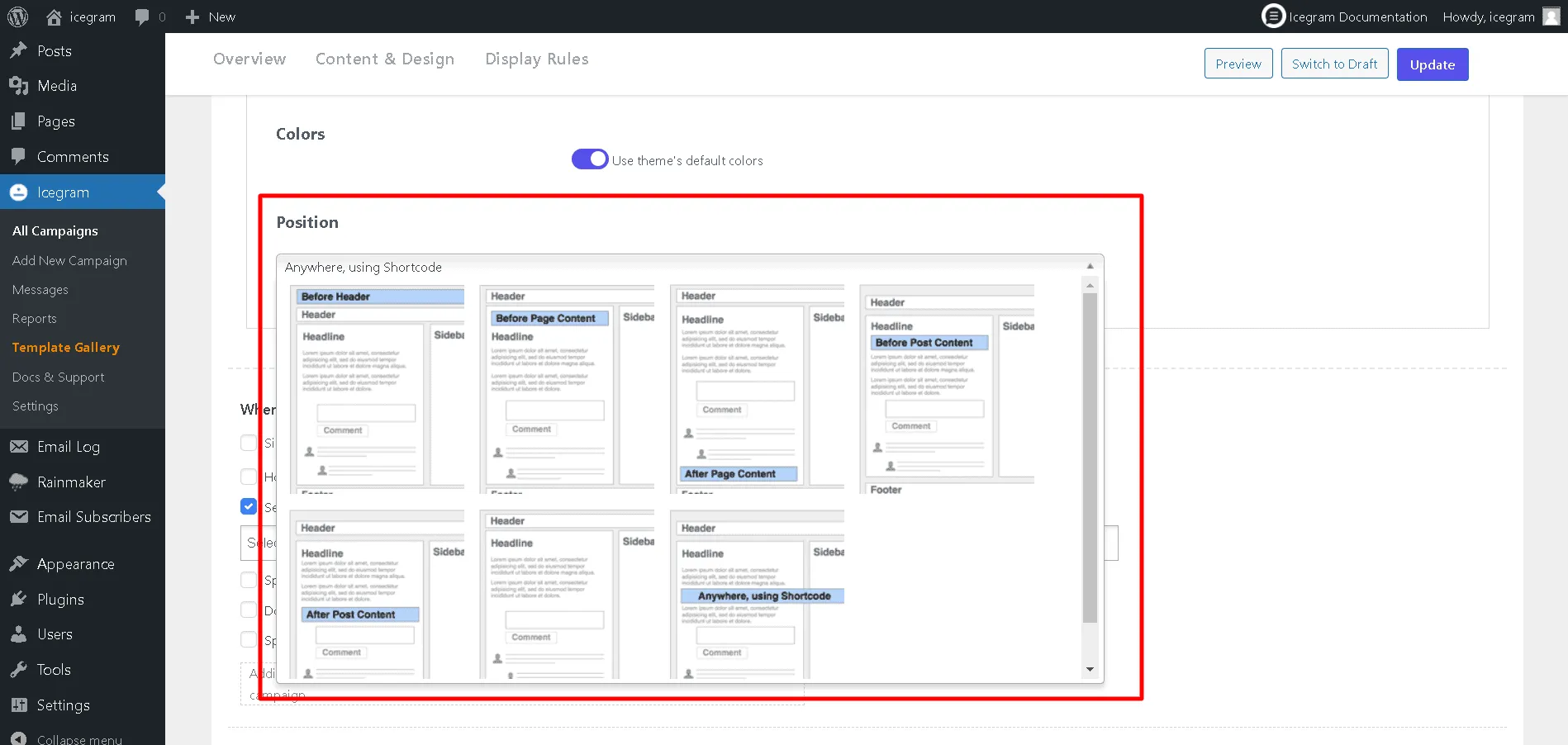
Icegram Engage contains a position sub-section on it's campaign edit screen where you can choose from the available positions.
Here are the exact steps to change the action bar's position to bottom:
Step 1: Edit a campaign / create a new campaign.
Step 2: Scroll down to the "Position" section, exactly below Colors.
Step 3: In the Position section, there's a monitor mockup screen inside which there are two buttons; one at the top and another at bottom. Click on the bottom square button.